Multiple MIDI instruments
A Notes Orbiter can play up to three notes instruments side by side, one per World dimension: a bass
and a lead, or a bass, a pad and a lead. Here is how. (For Audio or Notes, see
Instruments.)

Add a second or third instrument
- In the Studio's Instrument step, give World I its notes instrument.
- Open the Dimensions tab and switch on II. Dimensions switch on in order: II before III.
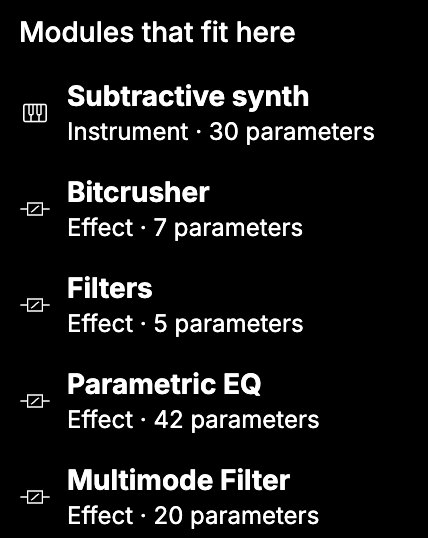
- Select World II and add a notes instrument. Add a generator or MIDI effects in front of it if
you like, such as the Arpeggiator or the Step sequencer. - For a third, switch on III and build its chain the same way.
Each instrument has its own chain of modules. Two instruments are as complete an Orbiter as three.
In a Notes Orbiter, World II and III offer notes instruments and effects. The Audio player and Granular are not offered there.
Each instrument in its own place
Each World dimensionOne of an Orbiter's three World chains, I, II and III, each with its own modules and its own way of mapping X, Y and Z. that holds an instrument plays beside the others, through its
own effects: the bass in II is never heard through III's effects. The Dimensions tab shows this wiring.
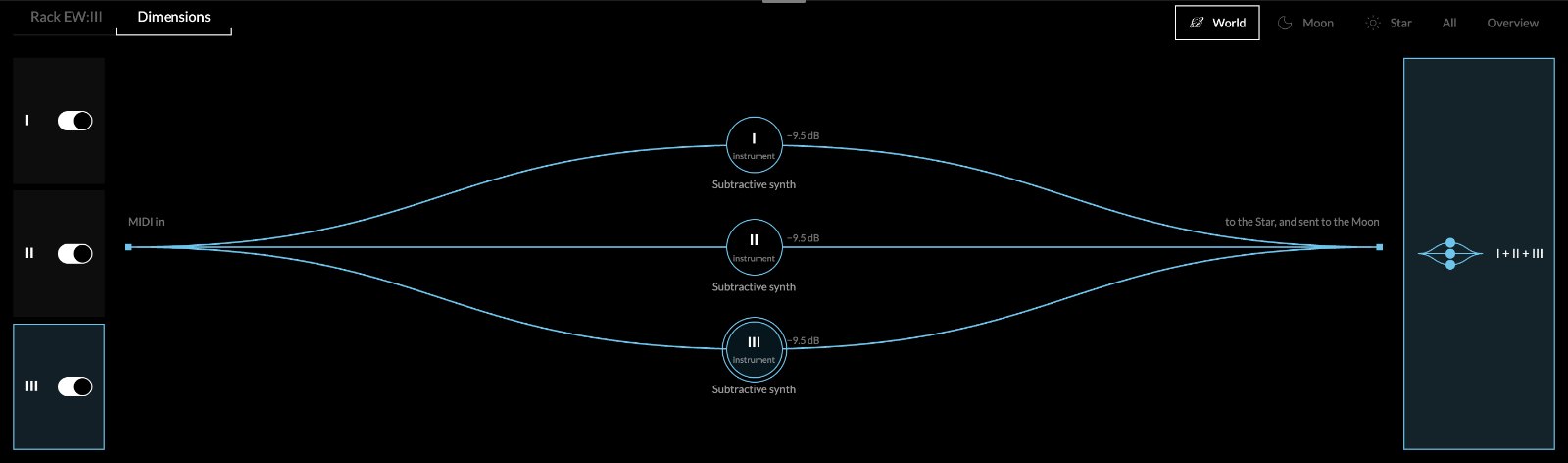
A dimension you switch off costs nothing: its instrument is not even loaded.
Play each one
- Surface: the play surface follows the dimension in focus. Focus II and you play its
instrument: the piano roll first, then a tab for each generator in its chain (the Arpeggiator's
keys, the Step sequencer's steps, the Drum sequencer's pads). - MIDI: each dimension has its own Input and Channel, in the MIDI mapping header. With
All Ins and All Channels (the default), a dimension listens while it has the focus. Set a
channel instead to play them all at once from one controller: for example Ch. 1 for I and
Ch. 2 for II.
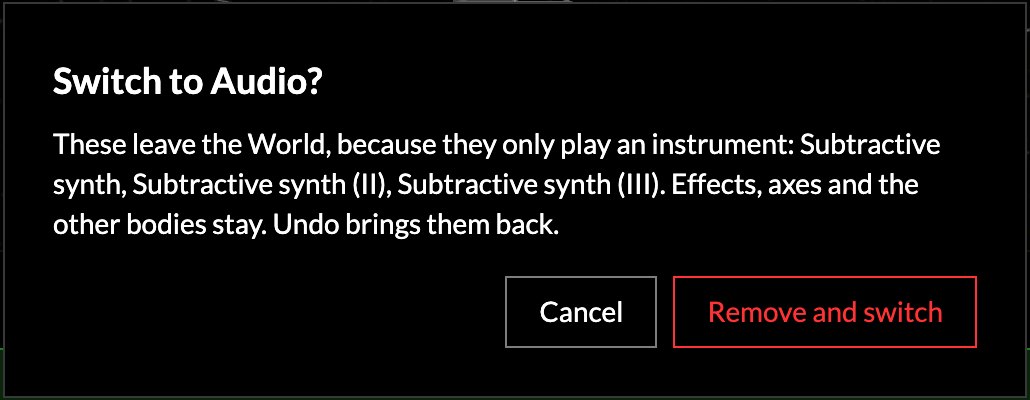
Switching an Orbiter to Audio
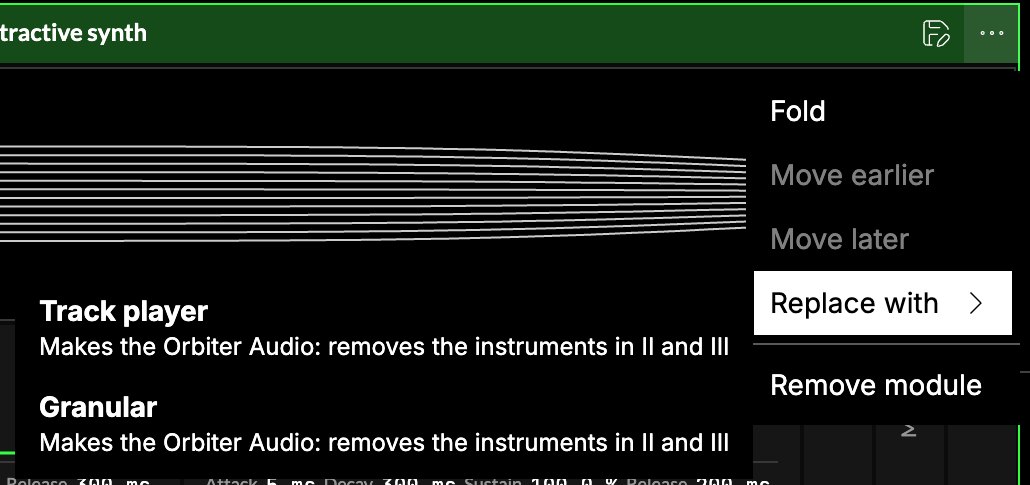
If you replace World I's notes instrument with the Audio player or Granular, the Orbiter becomes
Audio. The Studio asks first and names what goes: the instruments of II and III and the modules in
front of them. Their effects stay. Undo brings everything back.
Keep them together as one preset
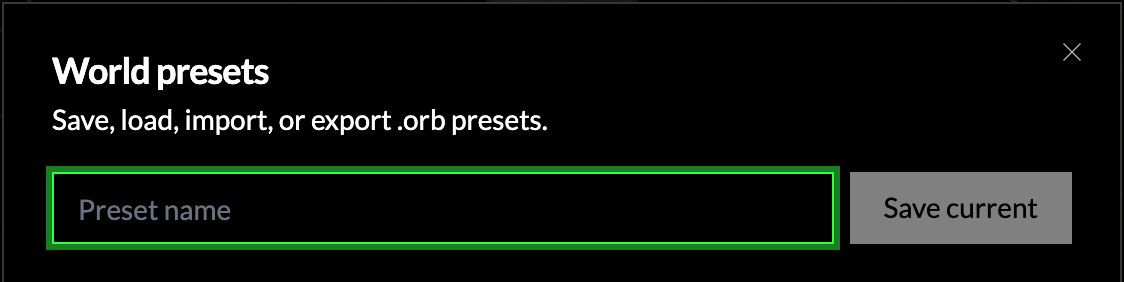
To keep your instruments together, save a World body preset: in the Studio header, open
More (⋯) → Body presets…, name it, and press Save current. Loading it brings back every
chain, which dimensions are on, and their wiring.