What's new

What you can do in Plantasia Space now, release by release.

Subscribe with RSS

One kind of credit

One balance for every AI action​

Text and texture credits are now one kind of credit. Textures, world texts, narration and Orchidea all spend from the same balance.

Plan credits reset every month. Credit packs come in three sizes, and the credits in a pack last 12 months from the day you buy it.

Read about plans and credits →

Instruments, effects and your own audio files

New instruments​

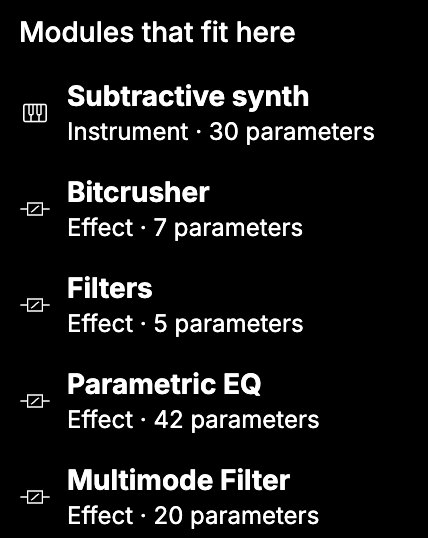
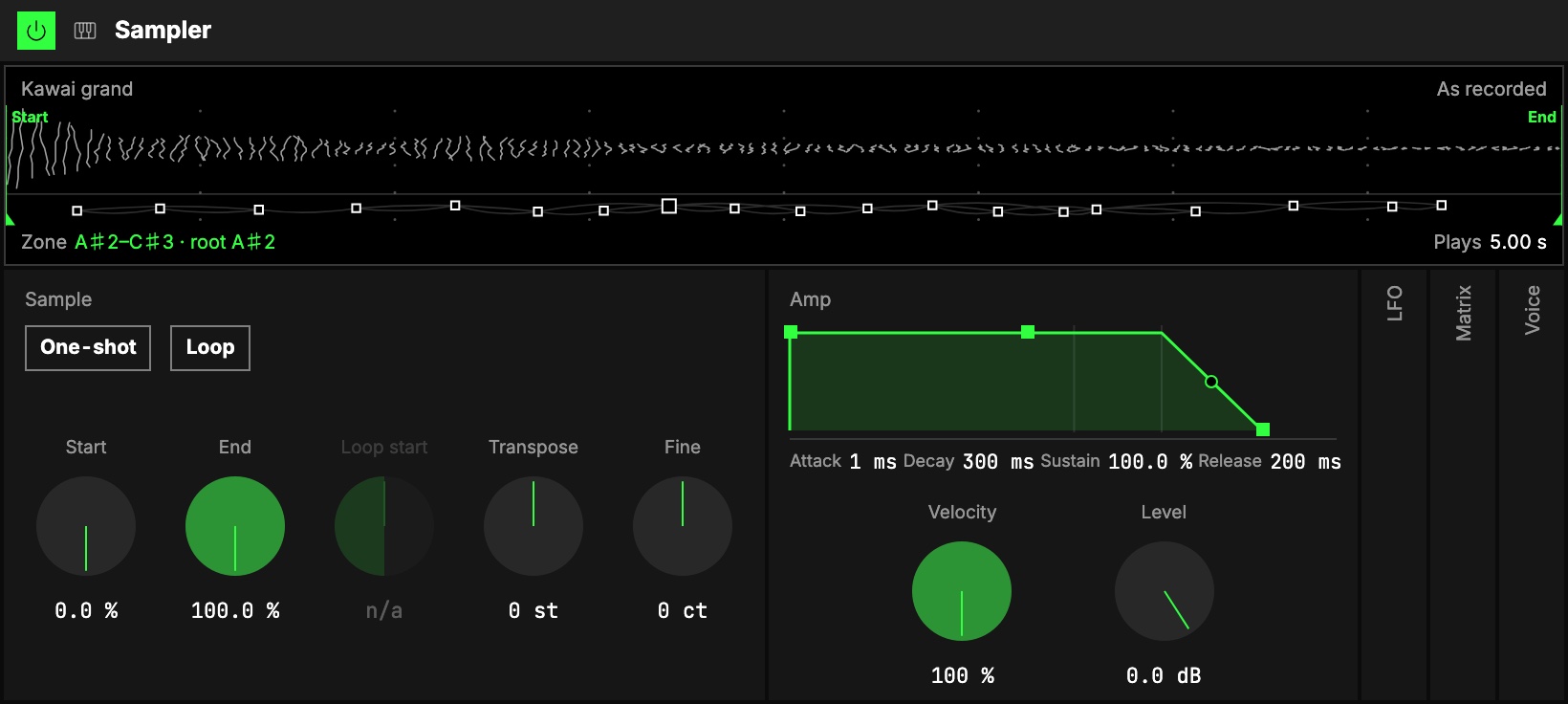
The Sampler in the Studio.

An Orbiter can now be played as an instrument: the Sampler plays sample libraries, Sheaf is a subtractive synth, and Granular plays an audio as grains.

Read about the Sampler →

Up to three instruments in one Orbiter​

Picking an instrument for a World.

A Notes Orbiter plays up to three instruments side by side, one per World. An instrument with nothing feeding it notes gets a Piano Roll.

Read about multiple instruments →

Audio effects​

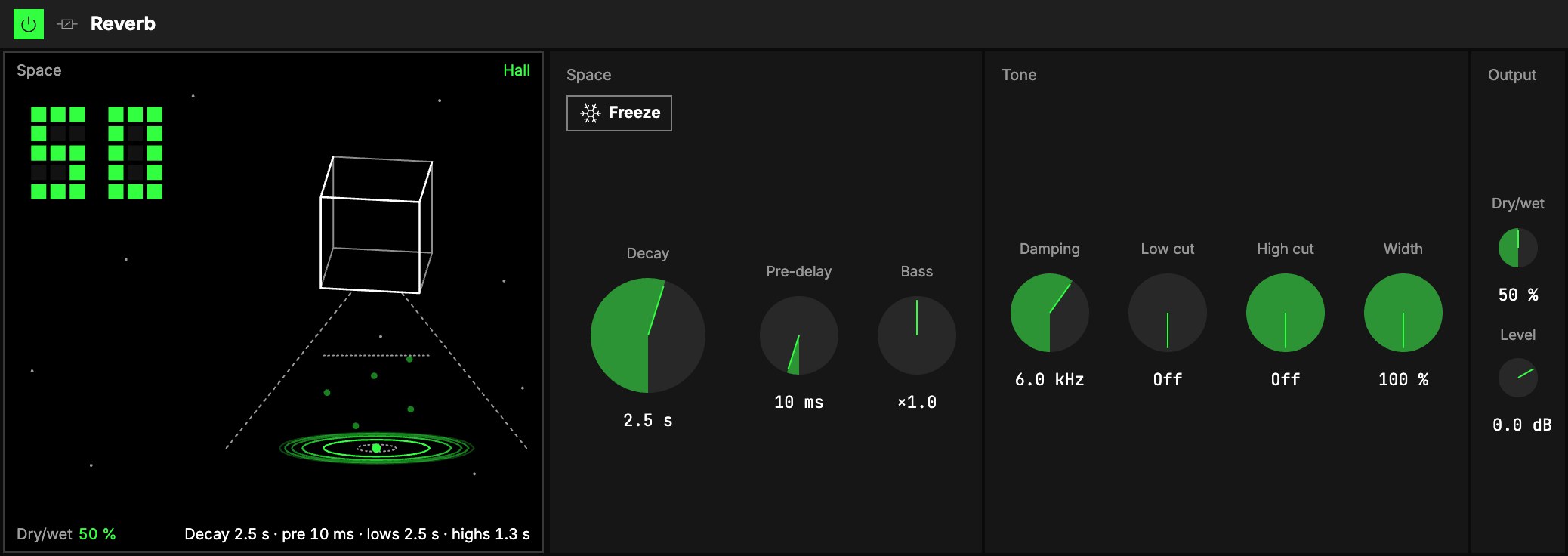
The Reverb in the Studio.

Reverb, Delay, Flanger, Chorus, a Pitch shifter, a Frequency shifter, Compressor, Saturator, filters, EQ and Bitcrusher, plus One versions that fit an effect into a single knob.

Read about audio effects →

MIDI effects​

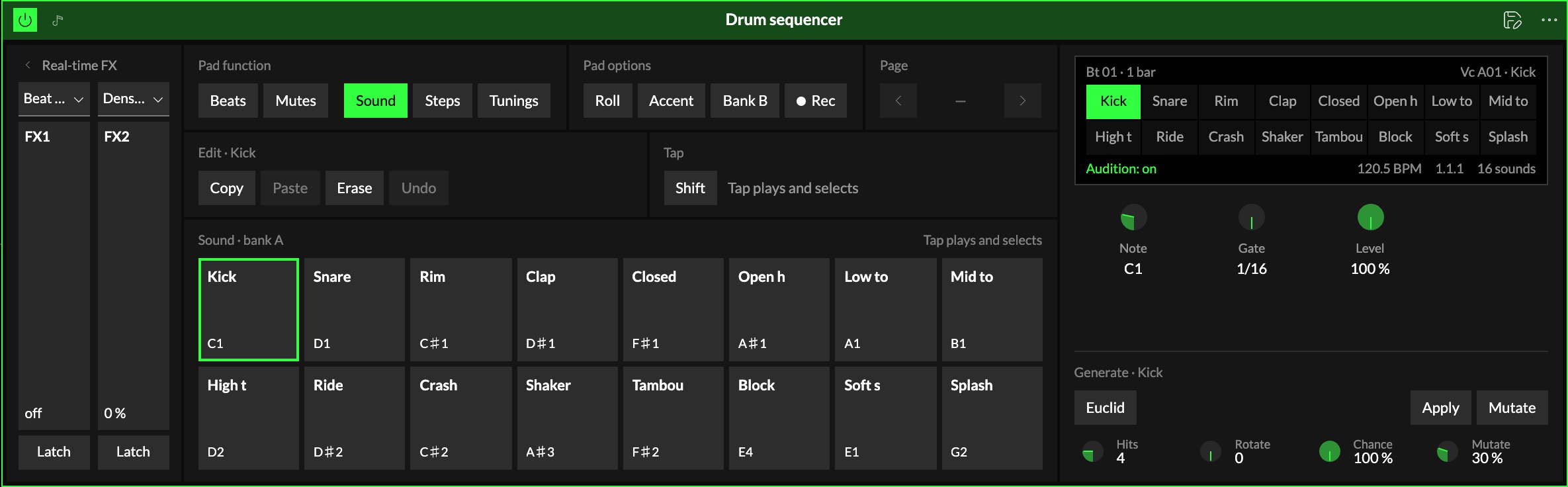
The Drum Sequencer in the Studio.

Shape notes before they reach an instrument: a Drum Sequencer, Note Echo, Velocity, an Arpeggiator, a step sequencer, Scale and Pitch.

Read about MIDI effects →

Presets​

Save a module, a World or a whole rack as a preset, and load it into another Orbiter.

Your own audio files​

Play audio files from your computer in an Orbiter without uploading them.

Collections offline​

Download a collection and play it with no connection, on desktop.

Improvements
  • Orbiters Add effects to a Moon, and mix them on the Star
  • Orbiters The Track player shows what Speed does to the sound
  • Orbiters The Studio goes Instrument, Visual, Release, and asks Audio or Notes first
  • Orbiters New modules go in where you pick
  • Orbiters X, Y and Z on/off switches for each dimension
  • Orbiters Panel and Ring visuals in the Orbiter scene
  • Orbiters A more compact layout on mobile
  • Collections The collection Studio shows which collection you are in
  • Entangled Worlds Crop and upload a clip thumbnail in the Studio
Fixes
  • Orbiters Fixed MIDI mapping only starting after pressing M twice
  • Orbiters Fixed the waiting room on mobile
  • Orbiters Fixed a reload in a room resetting the other player's tracks or bringing the sound back late

Play with someone else

Rooms in the Playground​

Open a room in the Playground and pass its code to a friend, and you play together, with up to four Orbiters between you. If nobody's around, Quick play finds someone who is also looking.

Two people on one Orbiter​

Two people can play the same Orbiter at once. A control you are holding shows as yours to the other player, and the whole session stays in sync.

Sharing​

Editors can manage who collaborates on what they edit, and you can get a notification when someone shares something with you.

Read about sharing →

Improvements
  • Orbiters Rooms that follow a score move through its sections on their own
  • Platform Search finds more, and the best matches come first
  • Entangled Worlds Videos made in the Studio no longer show the cursor
  • Collections The Playground only offers collections that can play there
Fixes
  • Collections Fixed a restored collection coming back as a draft

A new sound engine, and Plantasia Space is open source

A new sound engine​

Orbiters run on a new sound engine: stretch an audio without changing its pitch, play it backwards, or break it into grains. Each effect also shows in the scene.

Open source​

The code behind Plantasia Space is open, so you can see how the instruments you play are made.

Read the blog post →

Versions and autosave​

Your work saves as you go. Audios keep their versions, and editing something released starts a draft, so people keep hearing the released one until you release again.

Improvements
  • Orbiters Chat with the people in an Orbiter room
  • Orbiters Input and output levels, with meters

Worlds and clips play in the feed

Worlds and clips play in the feed​

A world or a clip in the feed plays right on its card, with nothing opening on top.

A home feed you choose​

Pick how the home feed is ordered: a blend, the newest first, what people are playing, or older work you may have missed.

Read about the home feed →

A play queue​

Line up audios in the mini player and they keep playing while you move around the site.

Improvements
  • Audios Control playback from your lock screen
  • Entangled Worlds Clips appear on their world's page
  • Platform Delete a notification, or clear them all at once

Collections, comments and reactions

Collections​

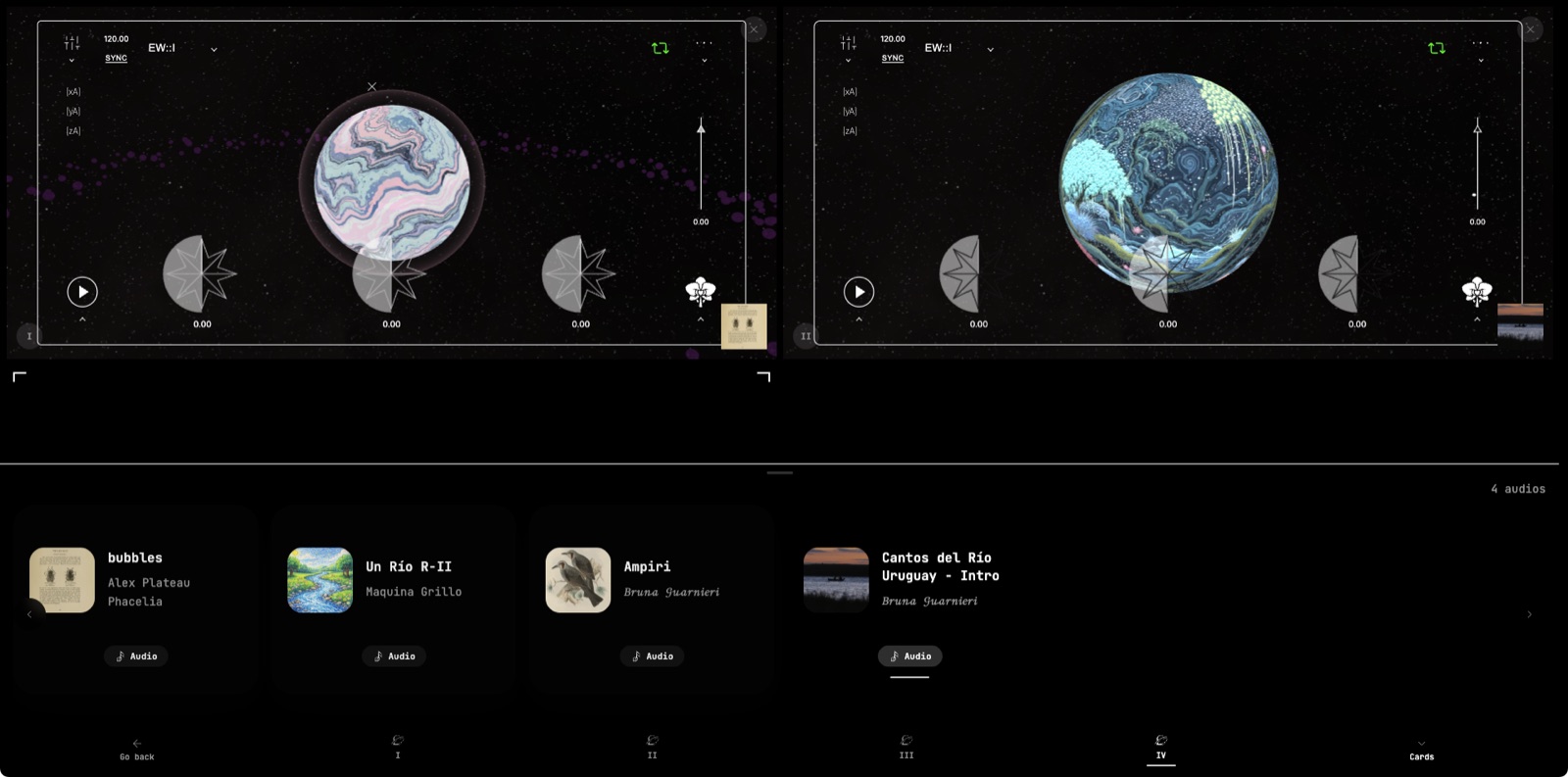
A mixed collection playing two worlds side by side, its audios underneath.

Build a collection that mixes audios, worlds and clips, in the order you want. Your profile has a Collections tab where visitors can browse them.

Read about collections →

Comments and reactions​

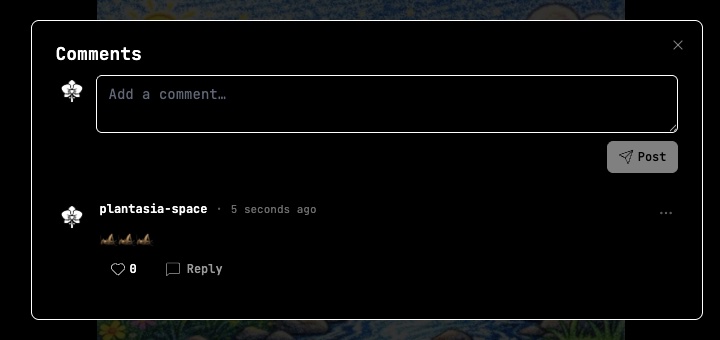
The comments on an audio.

Comment on or react to audios, worlds and everything else on Plantasia Space.

Clips in the home feed​

The Clips tab in the home feed.

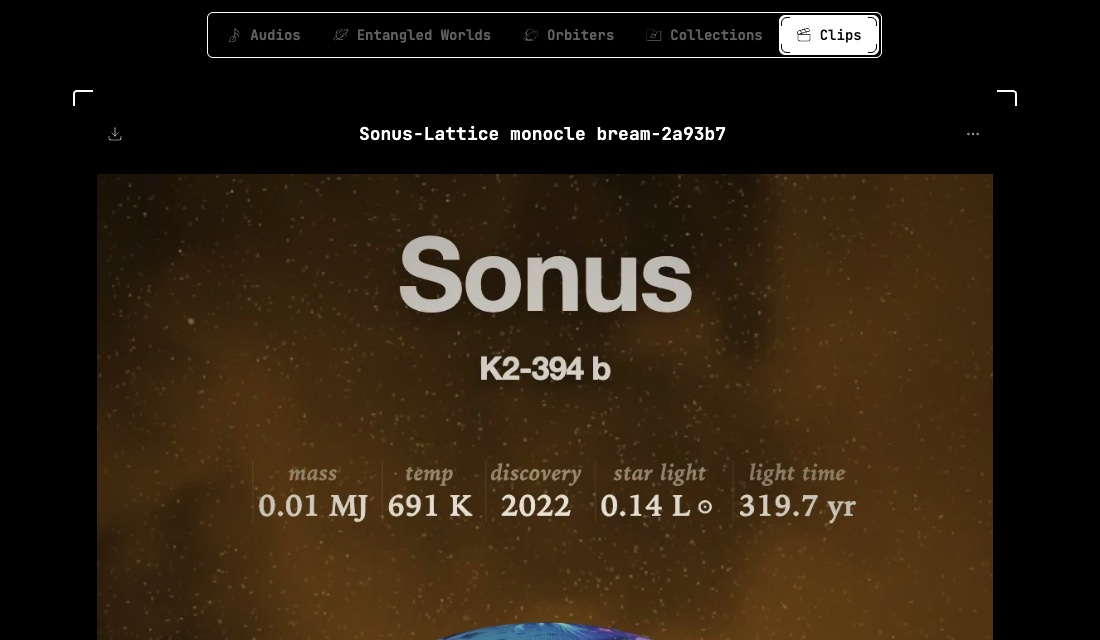
Clips have their own tab in the home feed, and they show up in search.

Improvements
  • Platform Creators can let people download their audios
  • Platform Choose which notifications reach you
  • Platform Delete your account yourself from settings
Fixes
  • Orbiters Fixed waveform zoom and loop controls on mobile