Blur
The Blur blurs the sky around a body as the sound plays, and sharpens it as the sound fades: the
stars pull into streaks and come back into focus. The body
itself stays sharp. It works on a World dimensionUna de las tres cadenas de Mundo de un Orbiter, I, II y III, cada una con sus propios módulos y su manera de mapear X, Y y Z., a
MoonUn cuerpo del Orbiter que funciona como envío y retorno: el Mundo se envía a ella y solo devuelve su efecto, que el mezclador de la Estrella suma al sonido seco. or the StarEl cuerpo del Orbiter donde se junta el sonido: su mezclador combina el Mundo y el retorno de la Luna, y sus propios efectos suenan sobre todo., and blurs around the body it is on.
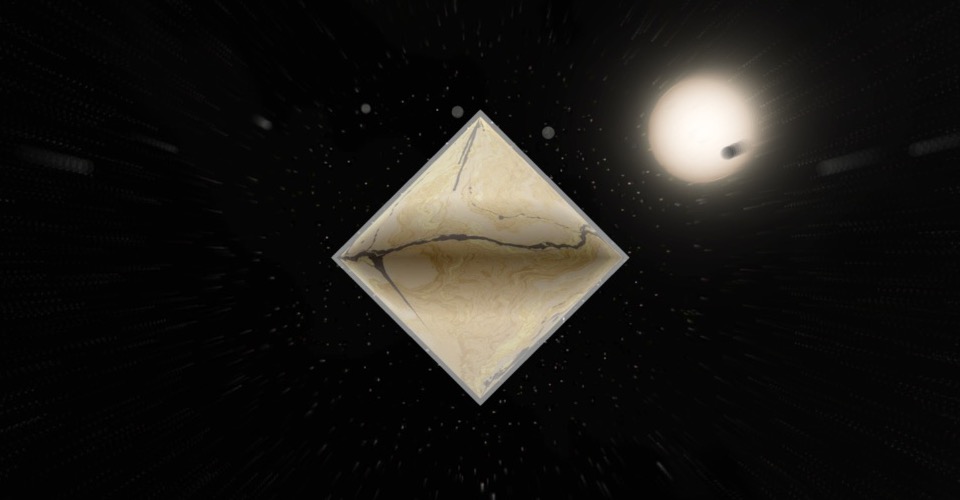
It is the visual of the reverbs: with Auto visuals on, adding a Reverb or a One Reverb
adds a Blur to the same dimension. You can also add it alone with Visual module +. Either way it
is its own module: it follows the sound of its body, with or without a reverb.
A Blur loads listening to its own body, with Sensitivity at 100 %: it shows only as loud as that
sound, and nothing in silence. It rises quickly with the sound and lets go slowly, like a tail. Turn
Sensitivity down to keep some blur whatever plays.
Controls
| Control | What it does |
|---|---|
| Amount | How much the sky blurs. 100 % as it loads; at 0 % it shows nothing. |
| Room | The size of the room: a small one blurs a little even at full sound, a large one blurs the whole sky. 50 % as it loads. |
| Reach | How far out from the body the blur takes to build: low keeps it tight around the body, high spreads it across the sky. 10 … 60 %, 30 % as it loads. |
Sound input, Sensitivity and While stopped are the same as on every
visual module.
Good to know
- At rest it costs nothing: the picture is drawn as if the module were not there.
Mapping
Amount, Room and Reach can each be mapped to the dimension's axes: see Edit.
Room on the same axis as a reverb's Decay makes the picture open with the tail.