Blur
The Blur blurs the sky around a body as the sound plays, and sharpens it as the sound fades: the
stars pull into streaks and come back into focus. The body
itself stays sharp. It works on a World dimensionOne of an Orbiter's three World chains, I, II and III, each with its own modules and its own way of mapping X, Y and Z., a
MoonAn Orbiter body that works as a send and return: the World is sent to it, and it returns only its effect, which the Main mix adds to the dry sound. or the StarThe Orbiter body on the main bus: after the Orbiter's Main mix blends the World and the Moon's return, the Star's effects play over everything., and blurs around the body it is on.
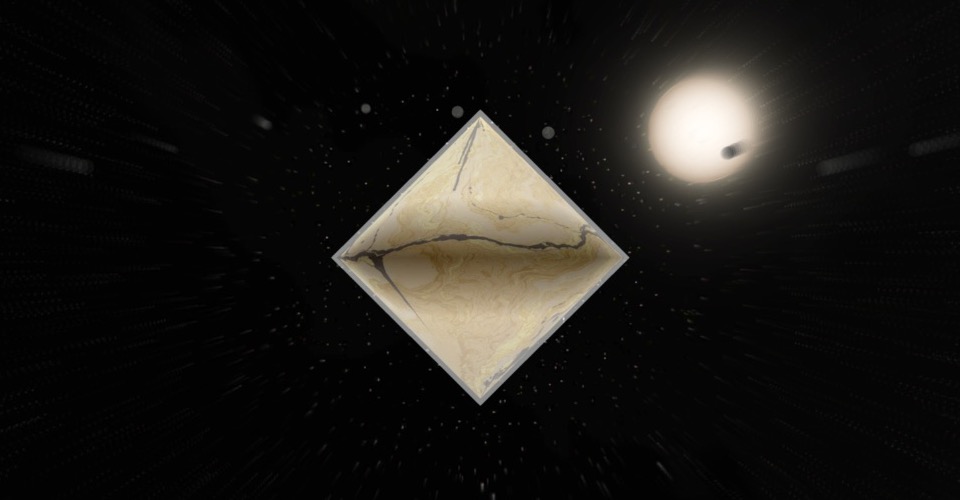
It is the visual of the reverbs: with Auto visuals on, adding a Reverb or a One Reverb
adds a Blur to the same dimension. You can also add it alone with Visual module +. Either way it
is its own module: it follows the sound of its body, with or without a reverb.
A Blur loads listening to its own body, with Sensitivity at 100 %: it shows only as loud as that
sound, and nothing in silence. It rises quickly with the sound and lets go slowly, like a tail. Turn
Sensitivity down to keep some blur whatever plays.
Controls
| Control | What it does |
|---|---|
| Amount | How much the sky blurs. 100 % as it loads; at 0 % it shows nothing. |
| Room | The size of the room: a small one blurs a little even at full sound, a large one blurs the whole sky. 50 % as it loads. |
| Reach | How far out from the body the blur takes to build: low keeps it tight around the body, high spreads it across the sky. 10 … 60 %, 30 % as it loads. |
Sound input, Sensitivity and While stopped are the same as on every
visual module.
Good to know
- At rest it costs nothing: the picture is drawn as if the module were not there.
Mapping
Amount, Room and Reach can each be mapped to the dimension's axes: see Edit.
Room on the same axis as a reverb's Decay makes the picture open with the tail.